
Monday used to feel like starting from zero. I'd wake up already behind, trying to remember who needed to be where, what we were eating, and what I'd forgotten.
Now I sit down for 22 minutes on Sunday, and Monday already knows what it's doing.
I'm going to walk you through it page by page, exactly the way I do it. Grab a pen and do it with me. If you don't have the planner yet, a notebook works for every step.
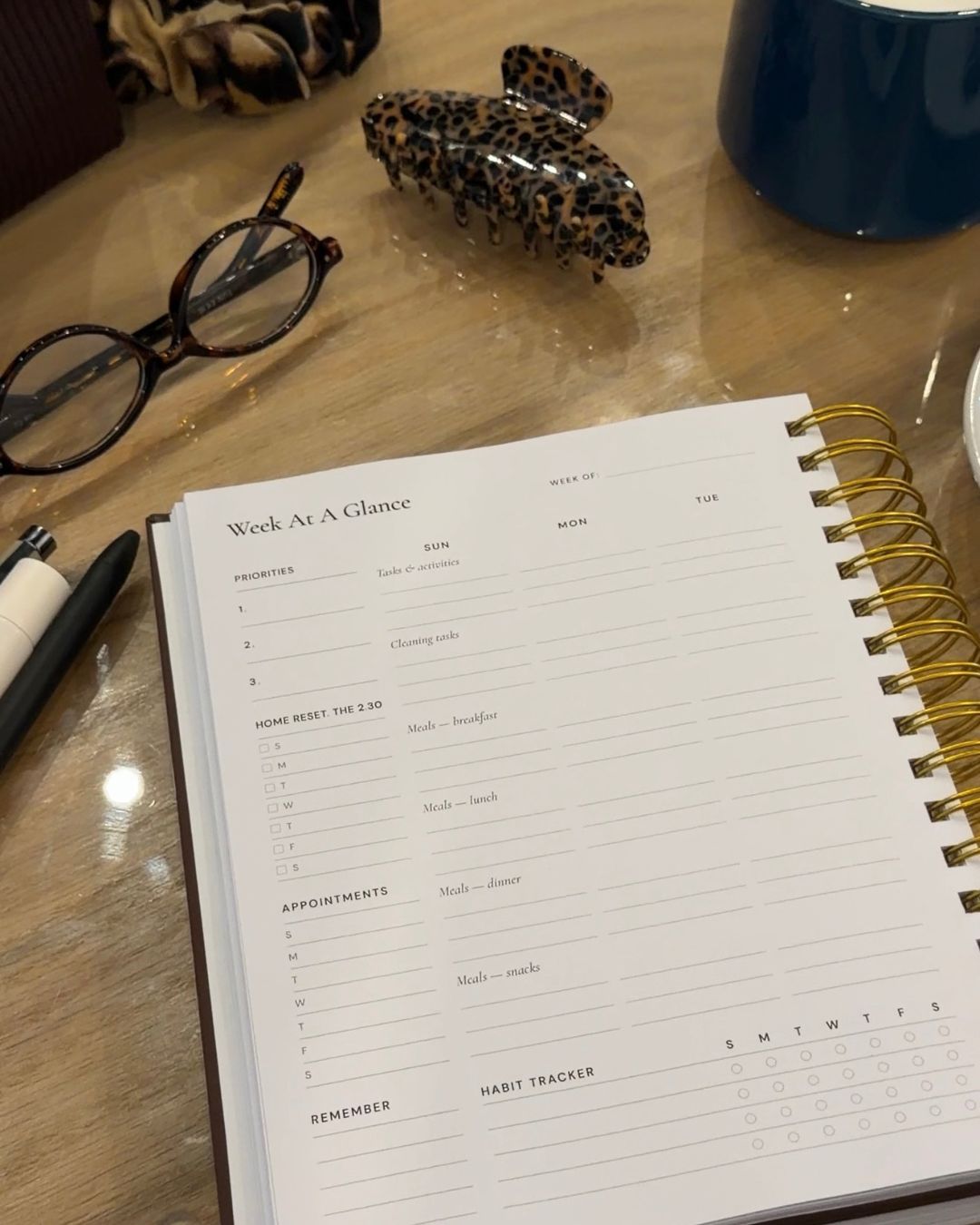
Before you start
- Your planner or a notebook, and a pen
- Your phone calendar, the school emails and anything stuck to the fridge
- A timer set for 22 minutes
The minutes next to each step are a guide. Your first Sunday will take longer because you're setting the pages up. After that, you're only adding to them.
Step 1: Add to your monthly brain dump (5 minutes)
I don't start with the week. I start with the month, on the Monthly Priorities + Goals page. This is my brain dump, and it stays open all month.
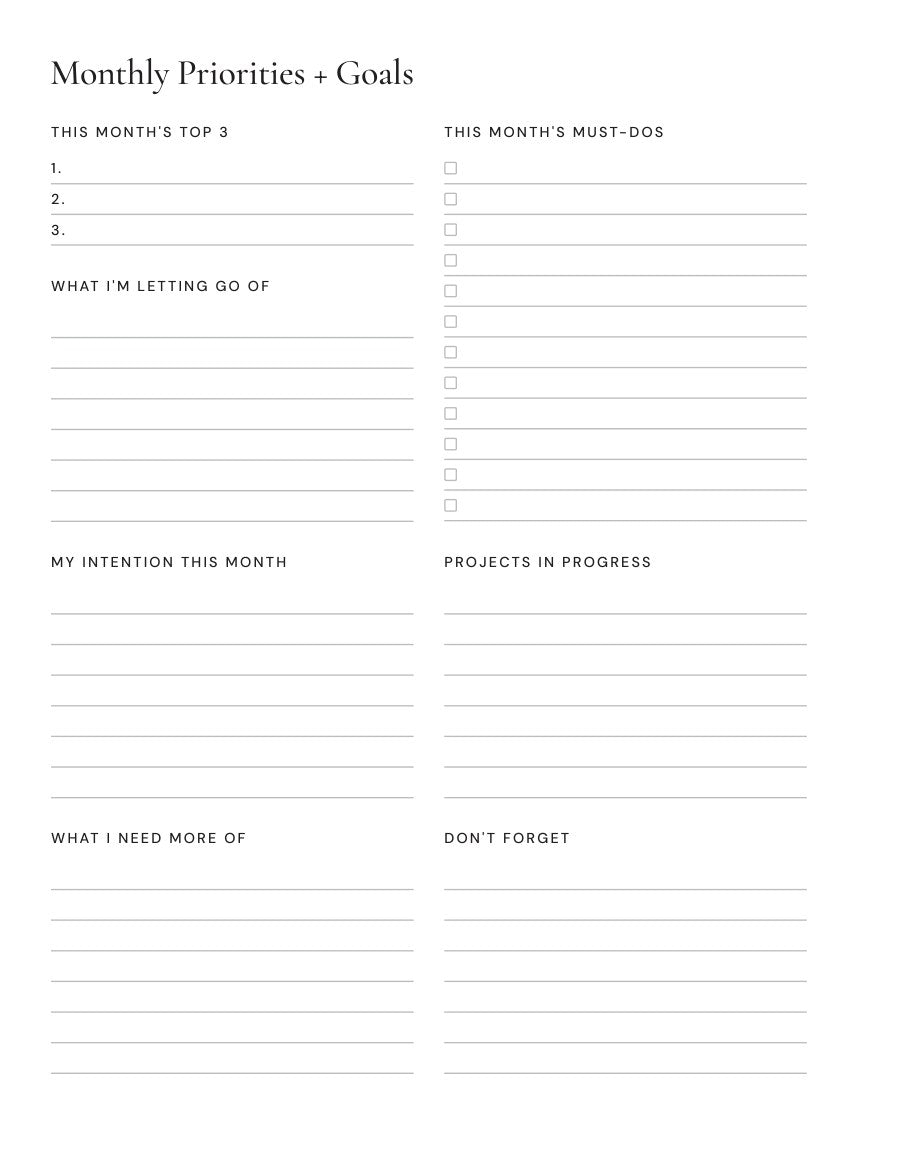
On Sunday I'm not starting over. I'm adding to it. Everything I'm carrying in my head goes into one of these boxes:
- This month's must-dos: anything with a deadline. The form, the payment, the appointment I need to book.
- Projects in progress: the bigger things that take more than one sitting.
- Don't forget: the small things that are easy to lose. The gift, the return, the call back.
- What I'm letting go of: the things I've decided aren't happening this month. Writing them here gets them out of my head too.
I check off what got done last week and add whatever came up. Now I'm planning from a page and not from memory.
Your turn: write down five things that are in your head right now. Don't sort them yet. Just get them out.
Step 2: Pull this week's top three (2 minutes)
I look at that page and ask one question: if only three things get done this week, which three do I want them to be?
Those three go in the Priorities box at the top left of the Week At A Glance. They're my top three for the whole week.
The same page feeds my days. Each morning, the three priorities on Today's Game Plan come from this list too, so I never sit down and wonder what today is for.
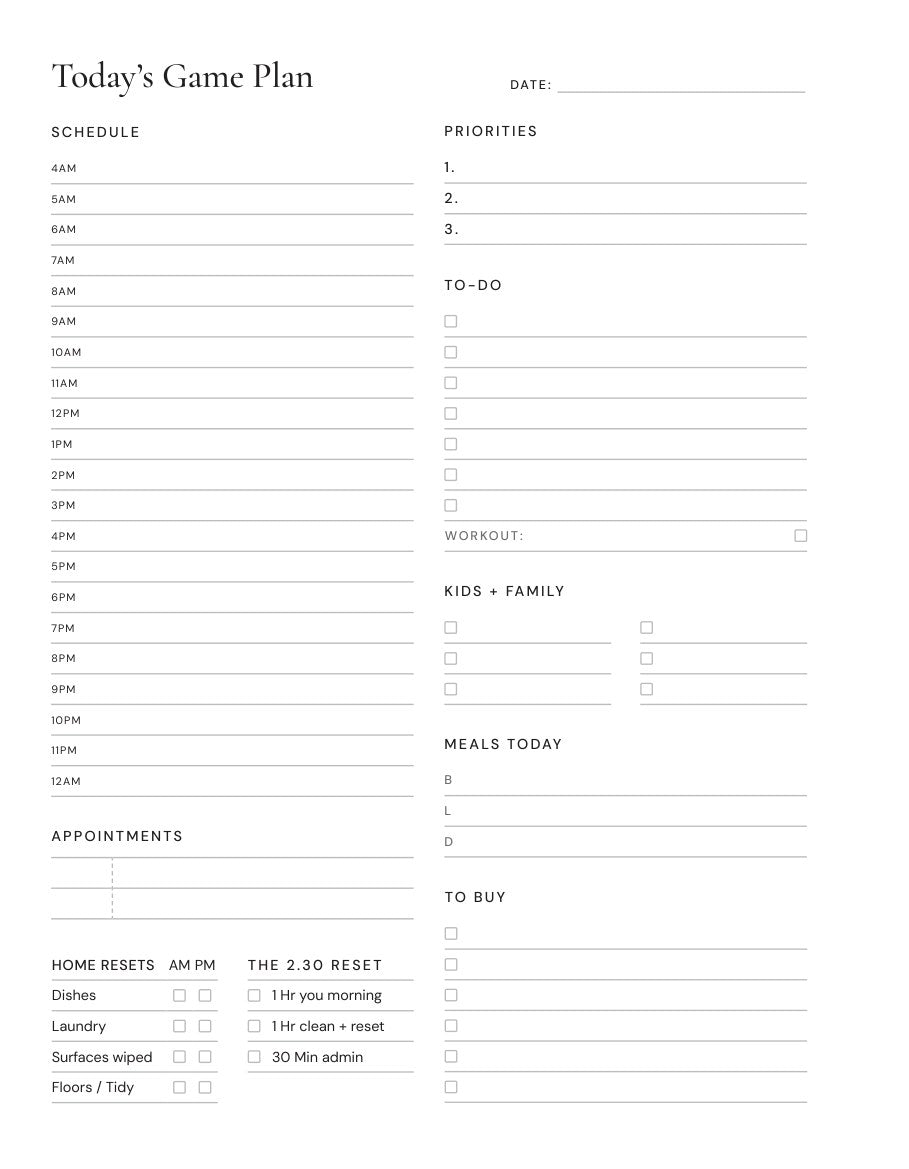
Everything else on the brain dump stays right where it is. It isn't lost. It just isn't this week's.
Your turn: circle three of the five things you wrote down. That's your week.
Step 3: Fill in the Week At A Glance (7 minutes)
These are the two pages that run my week. I fill them in the same order every Sunday.
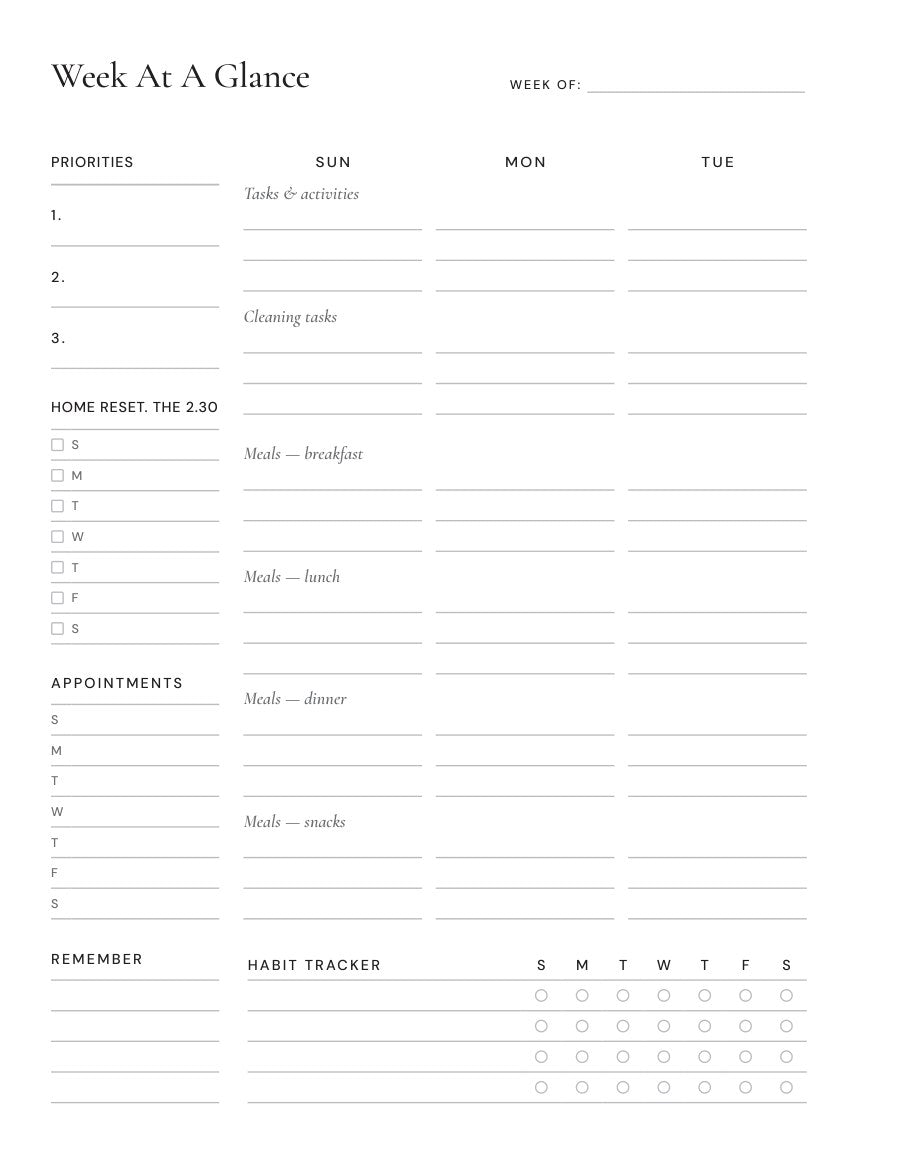
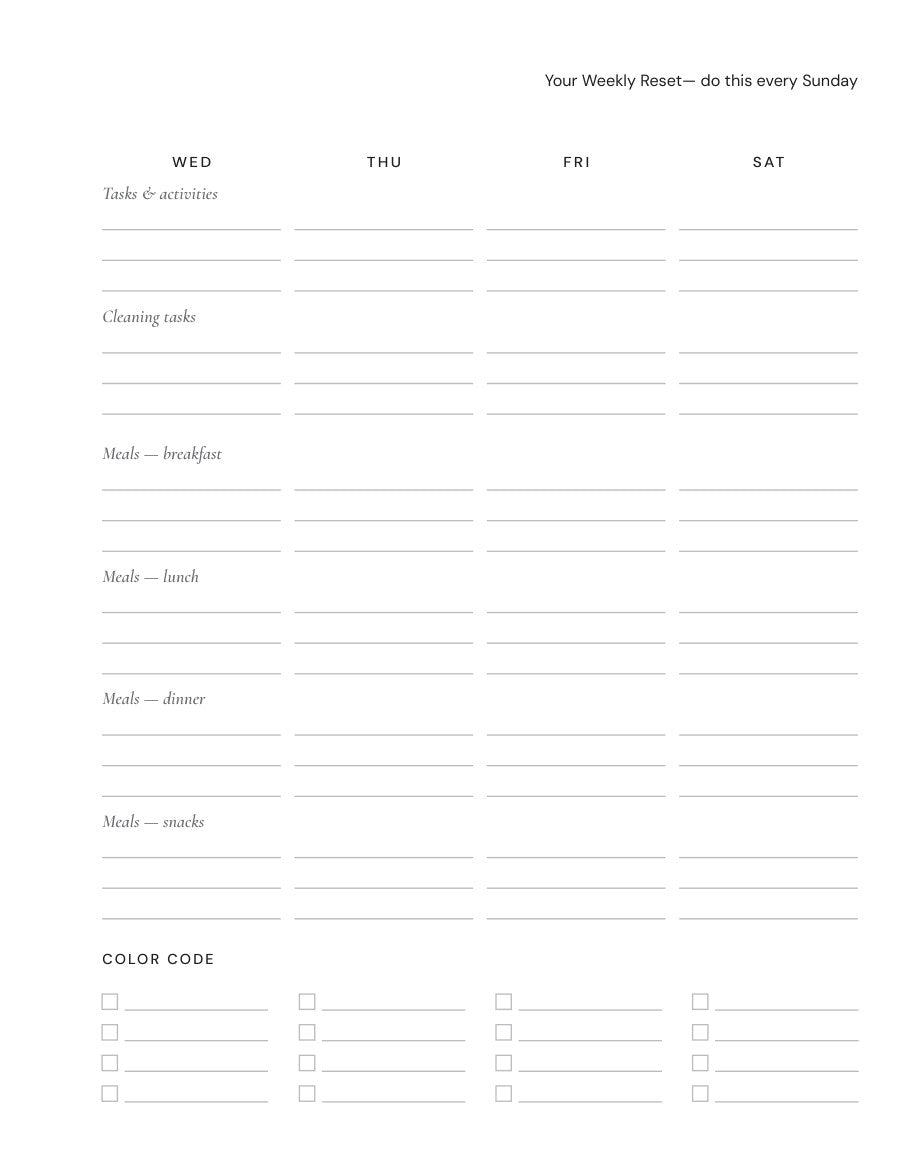
- Appointments. Down the left side there's a line for every day. Anything with a time goes here first: appointments, school, work, practices, deadlines. If you share a house with anyone, add theirs too.
- Tasks and activities. Under each day I write what's happening that day, and where my top three are going to fit.
- Color code. At the bottom of the right page, every person gets a color. One look and I can see whose day is full.
- Remember. The box at the bottom left is for the things that don't belong to one day. Picture day, the permission slip, the thing to bring.
- Home Reset. The 2.30. There's a checkbox for each day of the week. I tick it when my three blocks are done.
- Habit tracker. Four lines, for the few things I'm working on right now.
The meal rows and the cleaning row are still empty. That's the next three steps.
Step 4: Circle your week of the meal rotation (3 minutes)
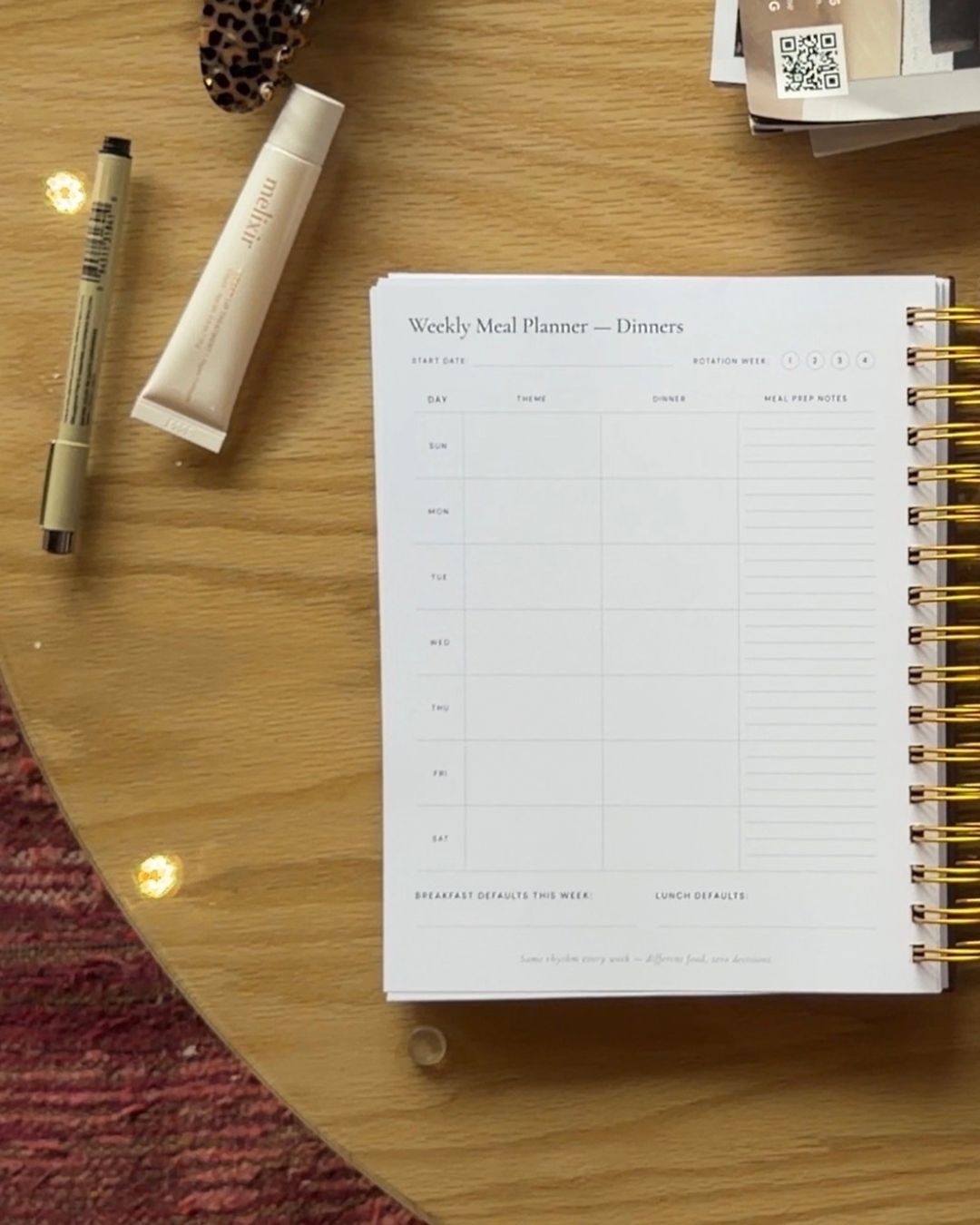
I don't decide dinner from scratch every week. I have four weeks of dinners planned, and they repeat. On Sunday all I do is circle which week we're on: 1, 2, 3 or 4.
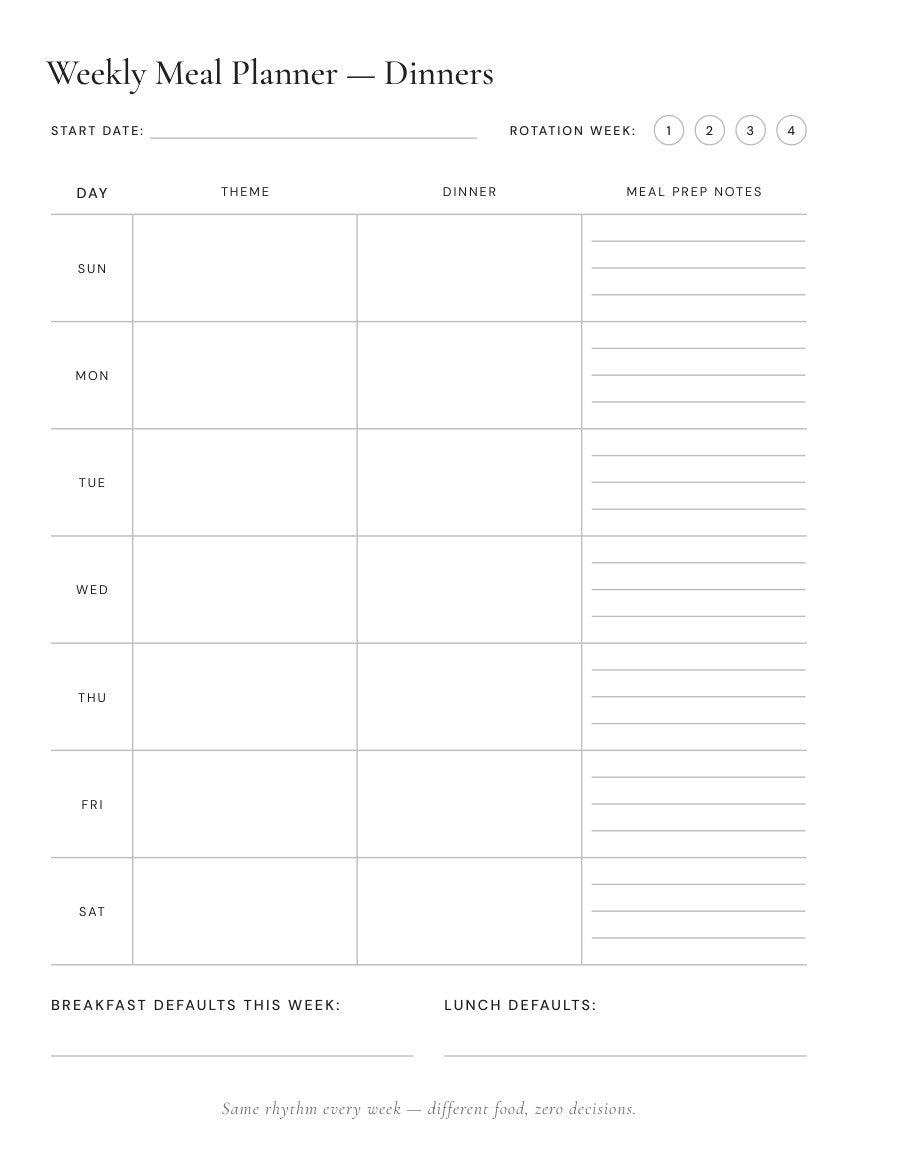
Each day has a theme, the dinner, and a few lines for meal prep notes, like what needs to come out of the freezer the night before. At the bottom there's a spot for breakfast and lunch defaults, so those aren't a daily decision either.
Then I copy this week's dinners into the dinner row on the Week At A Glance. Nobody asks what's for dinner at 5 PM, and I'm not deciding when I'm tired.
Don't have a rotation yet? Don't build four weeks today. Write down seven dinners your house already eats and call it Week 1. Next Sunday, write Week 2. In a month, you're done planning dinner.
Your turn: write down seven dinners your house already eats. That's Week 1.
Step 5: Pull the grocery list that goes with it (3 minutes)
Every week of the rotation has its own grocery list attached, so I'm not writing a list from scratch either.
I take this week's list to the kitchen and check the fridge, the freezer and the pantry. I cross off what we already have and add what we've run out of.

The list is already grouped the way the store is: produce, meat and protein, dairy and eggs, frozen, pantry and dry goods, snacks and kids, cleaning and household. One pass through, and I'm not doubling back for the thing I forgot.
Step 6: Give every day one zone (2 minutes)
Last one. Each day gets one area of the house, and it goes in the cleaning tasks row on the Week At A Glance. Monday is my kitchen, Tuesday is bathrooms, and it goes from there.
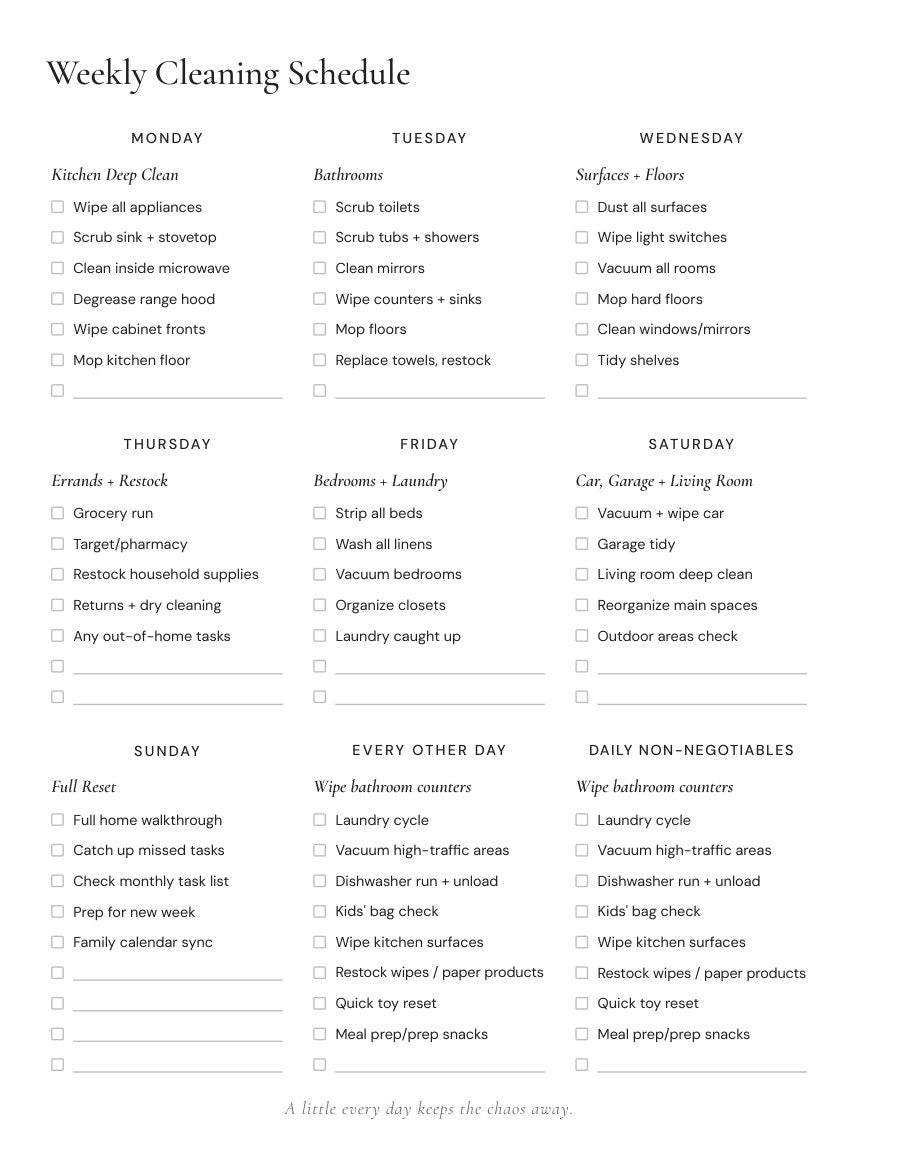
I'm never cleaning everything at once, and I always know what today's job is. If you want the full week, I wrote it out here: my one-zone-a-day cleaning schedule.
Your Sunday checklist
Tap each one as you go.
All six? Close the planner. You're done.
If your house looks different than mine
The steps stay the same. Only what goes on the page changes. Tap the one that sounds like you.
No kids at home
Skip school and write in your own standing commitments. The color code works for two people the same way it works for five.
Caring for a parent
Their appointments and refills go on the same page as yours. I wrote more about that here.
Two people running the house
Do it together, or at least read it out loud when you're done.
Start this Sunday
You don't need a special planner to do this. A notebook works. Do the six steps once and see how Monday feels.
If you want the pages I use, every page in this post lives in the HAVEN Planner. If you'd rather plan on your iPad, the HAVEN Digital Planner has the same pages and you can start tonight.
Twenty-two minutes. Then close the planner and go enjoy your Sunday.
And tell me your top three. Send them to taylor@stepintohaven.com. I read every one.
Taylor 🤎


